Recraft V4 Family: AI Image Generation Built for Designers
Recraft V4 brings design taste to AI image generation. Four models — V4, V4 Pro, V4 SVG, V4 Pro SVG — each targeting a specific professional use case from rapid social media work to print-ready assets and native vector graphics.
Most AI image models are trained to please everyone. Recraft V4 was built to please designers.
Released in February 2026, the Recraft V4 family brings something genuinely different to AI image generation: design taste. Not a filter, not a style preset — actual aesthetic judgment built into the model's core. The result is images that feel art-directed rather than algorithmically averaged, even from simple prompts.
The family comes in four versions, each targeting a specific professional use case. Here's what each one does, when to use it, and how to get the best results.
Most image models optimize for broad appeal — they produce images that look impressive to a general audience. Recraft V4 was developed in close collaboration with designers and tuned around professional expectations: composition that feels deliberate, color relationships that work, lighting that reads correctly, typography that integrates rather than overlays.
The other thing that sets Recraft apart: it's the only image generation model that produces native vector output. The SVG variants don't trace rasters — they generate actual editable vector files with clean paths and structured layers, ready to open in Illustrator, Figma, or Sketch.
Best for: Social media, web assets, concept exploration, fast iteration
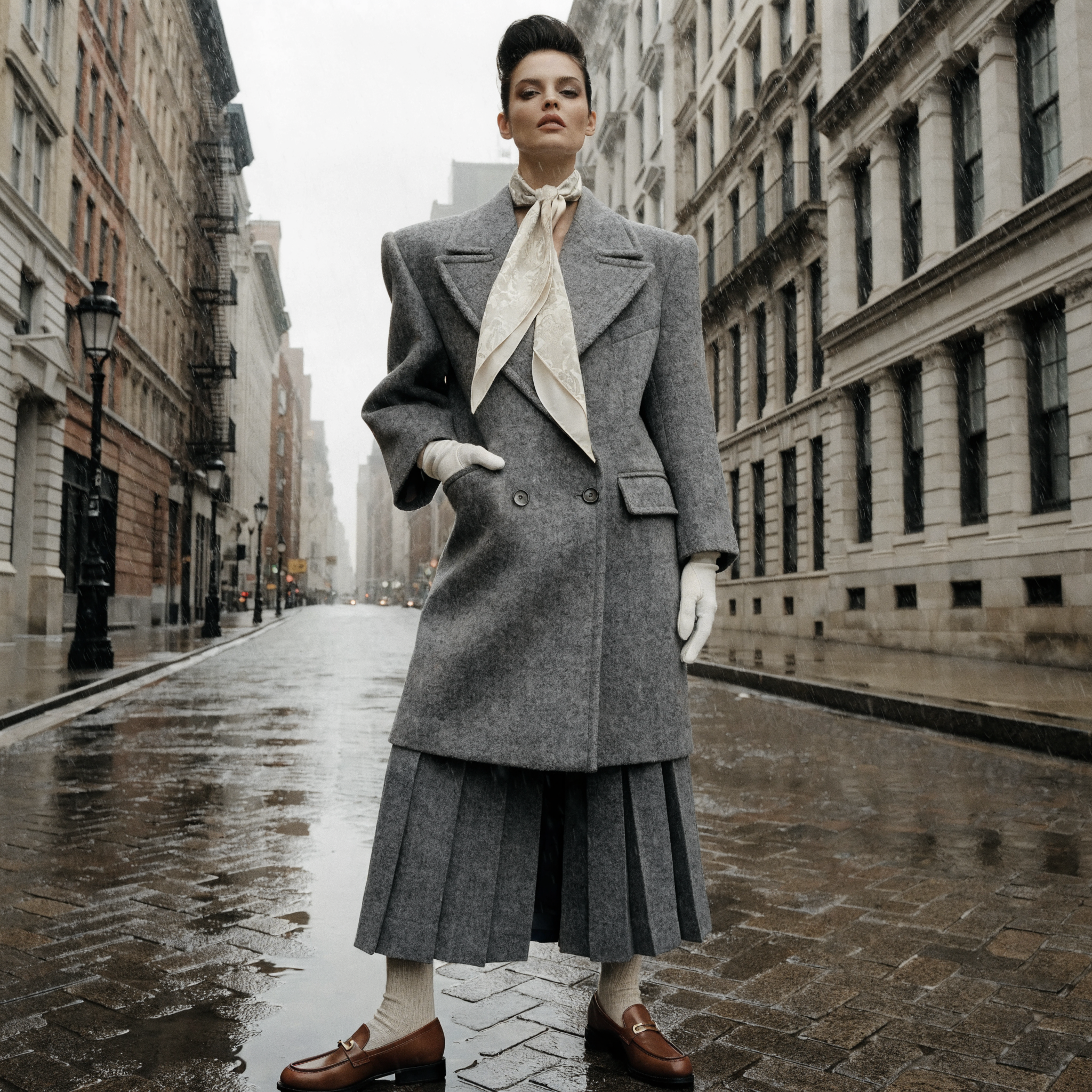
V4 is the everyday workhorse of the family. It generates images at standard resolution (~1024px) in about 10 seconds, making it practical for rapid iteration and volume work.
What makes it different from other fast models is the aesthetic quality of the output. V4 makes intentional decisions: where the eye should travel, how light should fall, what colors should do. Images arrive looking considered rather than generated.
Key capabilities:
- Prompts up to 10,000 characters — describe exactly what you want
- Typography treated as composition element, not overlay
- Multiple aspect ratios: 1:1, 4:3, 3:2, 16:9, 9:16, and more
- Commercial use included
What to watch for: V4 is optimized for quality over raw imagination. Deeply surreal or abstract prompts may produce more restrained results than models tuned for creative wildness. If you need maximum photorealism at large scale, V4 Pro is the upgrade.
Best for: Print production, packaging, editorial, large-format displays
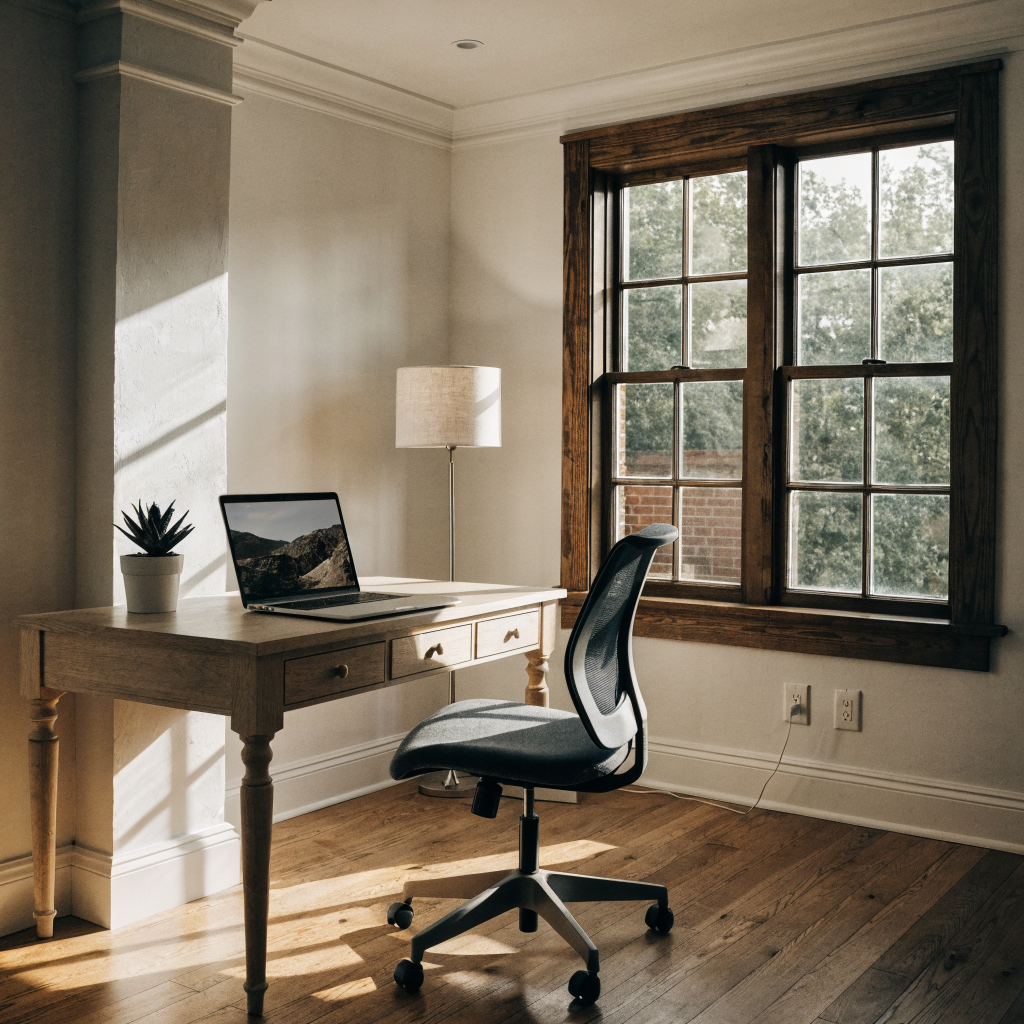
V4 Pro is V4 at 2x resolution — same design taste, same prompt accuracy, same creative capabilities. The difference is the output: 2048×2048 base resolution with support up to 3072px on the long side.
For anything that needs to hold up at large scale — a poster, product packaging, a billboard mockup, high-resolution editorial work — V4 Pro is the appropriate tool. The extra generation time (~28 seconds vs 10) is the tradeoff for output that doesn't compromise at size.
Key capabilities:
- 2048px base resolution, up to 3072px
- Same design taste and prompt accuracy as V4
- Integrated text rendering at high resolution
- All aspect ratios supported
When V4 is enough: If your output is destined for screen only — social media, web, app assets — V4's ~1024px resolution is more than sufficient and significantly faster. Reserve V4 Pro for work that needs to print or display at large scale.

Best for: Logos, brand assets, icons, illustrations for web and print
This is where Recraft does something no other image model does: it generates actual vector graphics. The output is an editable SVG file — not a raster image converted to SVG, but native vector geometry with clean paths and structured layers.
Open it in Illustrator. Edit the paths. Change the colors. Scale it to any size without quality loss. It behaves like a file you drew, because structurally, it is.
The design taste from V4 carries into the vector output — balanced composition, cohesive color, refined detail. You're not getting a competent vector tracing of a mediocre AI image. You're getting a designed vector file.
Key capabilities:
- Native SVG output (real editable vector files)
- Clean paths, structured layers — no cleanup needed
- Design taste applied to vector aesthetics
- Multiple aspect ratios
- Commercial use included
Use cases:
- Brand assets: logos, wordmarks, monograms
- Illustrations for web and print
- Icon sets and graphic libraries
- Product design elements and packaging graphics
- Social media graphics that scale to any size
Best for: Complex illustrations, large-format brand assets, high-fidelity design systems
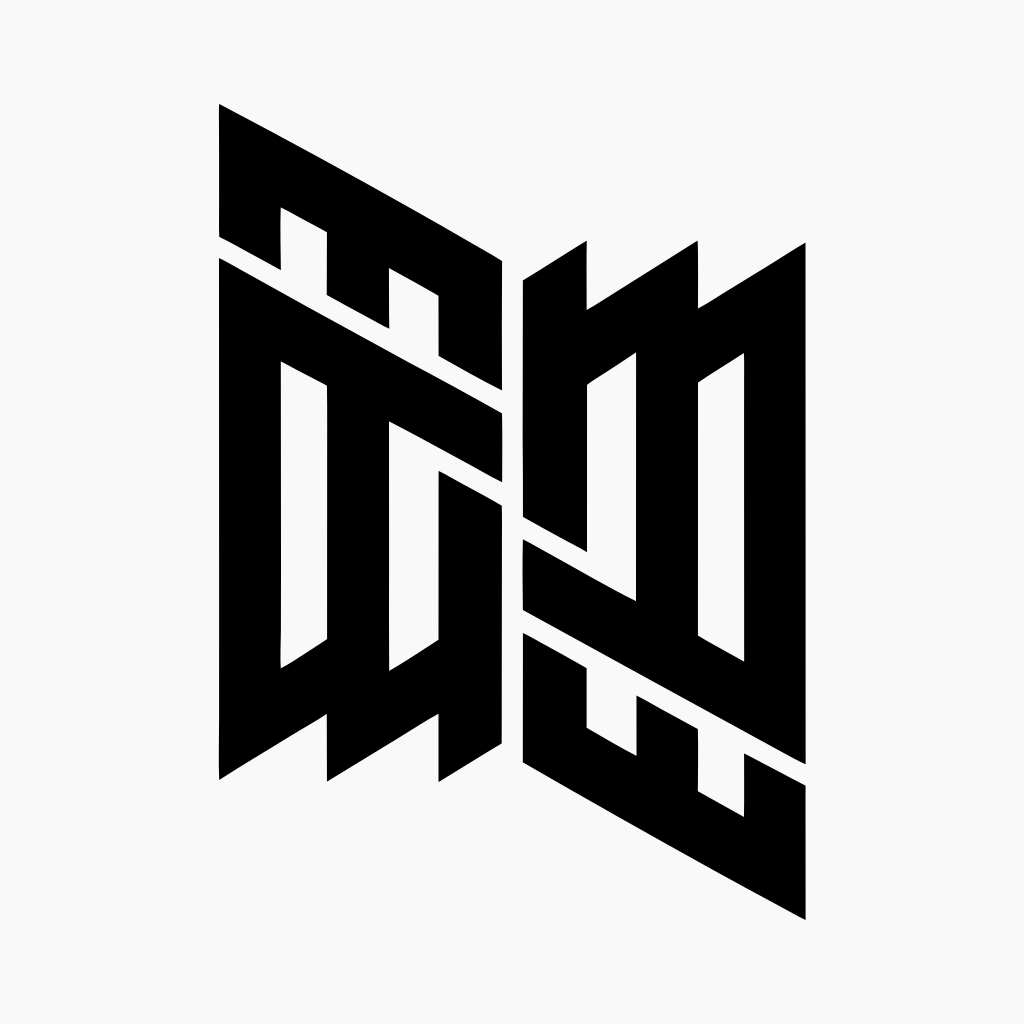
V4 Pro SVG is to V4 SVG what V4 Pro is to V4: more resolution, more detail, more precision. The vector output has finer paths and more geometric precision — useful when the design requires complexity that holds up at scale.
For a favicon or a simple icon, V4 SVG is the right call. For a detailed illustration that needs to print at 3 meters wide, or a design system component that needs to be pixel-perfect at every size, V4 Pro SVG is the upgrade.
Key capabilities:
- Higher geometric precision than standard V4 SVG
- Finer paths for complex illustrations
- Infinitely scalable (it's SVG — this is inherent)
- Native editable vector format
- Production-ready without cleanup
Use cases:
- Large-format brand assets: billboards, signage, trade show graphics
- Detailed print illustrations
- High-fidelity icon sets and design system components
- Packaging graphics and product design elements
| Use Case | Model |
|---|---|
| Social media, web assets, concept work | Recraft V4 |
| Print, packaging, large-format displays | Recraft V4 Pro |
| Logos, brand assets, icons, scalable graphics | Recraft V4 SVG |
| Complex illustrations, detailed design systems | Recraft V4 Pro SVG |
| Fast iteration, high volume | Recraft V4 |
| Billboard, signage, trade show graphics | Recraft V4 Pro SVG |
The simple rule: If it needs to scale infinitely, use SVG. If it needs to stay raster, choose between V4 (speed) and V4 Pro (resolution). When in doubt, start with V4 and upgrade if the output needs more.
Recraft responds well to design language. Instead of "a coffee mug," try "minimalist product shot of a matte ceramic coffee mug, editorial photography style, clean composition." Tell the model how you want it to look, not just what you want in it.
If your image needs integrated text — a poster headline, a product label, a logo wordmark — describe it explicitly. "The word 'NOIR' in large serif type integrated into the composition" works. V4 treats typography as a structural element, not an afterthought.
Vector-native prompts work better for the SVG models. Describe shapes, geometric relationships, and the kind of mark you're making. "Minimal geometric logo mark," "simple icon with clean lines," "abstract shape built from overlapping circles" are all good starting points. Photographic descriptions tend to produce less clean vector output.
V4's prompt accuracy is strong up to 10,000 characters. Use that. If the composition needs a specific focal point, a particular color relationship, a named visual reference — include it. The model will follow detailed instructions more faithfully than most.
1. Product Photography (Recraft V4)
Flat lay of skincare products on white linen, soft overcast light, editorial composition, fine texture detail on packaging visible, minimal and premium feel
2. Editorial Portrait (Recraft V4 Pro)
Close-up portrait of a person in their 50s with strong bone structure, available window light, slight film grain, desaturated palette with warm skin tones, documentary photography style
3. Brand Logo (Recraft V4 SVG)
Clean wordmark logo for "FORMA" in a custom geometric sans-serif, balanced letter spacing, minimal and architectural, suitable for premium brand identity
4. Icon Set (Recraft V4 SVG)
Set of 6 minimal line icons for a productivity app: calendar, task list, timer, notification bell, settings gear, user profile — consistent 2px stroke weight, rounded terminals
5. Detailed Illustration (Recraft V4 Pro SVG)
Architectural cross-section illustration of a modern house, detailed technical drawing style with fine linework, showing interior layout, structural elements, and landscaping, suitable for large-format print
All four Recraft V4 models are available on Ropewalk.ai. The practical flow:
- Identify your output need — raster or vector? Screen or print?
- Choose the right model using the guide above
- Write a descriptive prompt — include aesthetic direction, not just subject matter
- Generate a test — don't over-refine on the first pass
- Iterate — Recraft's prompt accuracy makes iteration fast and predictable
The models are new. The design taste is real. Start with one prompt and see what comes back.
Комментарии
Функция комментариев скоро появится! Ждите обновлений.